Free bitmap to SVG converter
Redraw a bitmap as geometry — PNG or JPEG in, an editable SVG out, at whatever size you need it.
No signup for the preview · five free conversions on a new account
- In
- PNG · JPG · WEBP · BMP
- Out
- SVG
- Kept
- 24 h by default
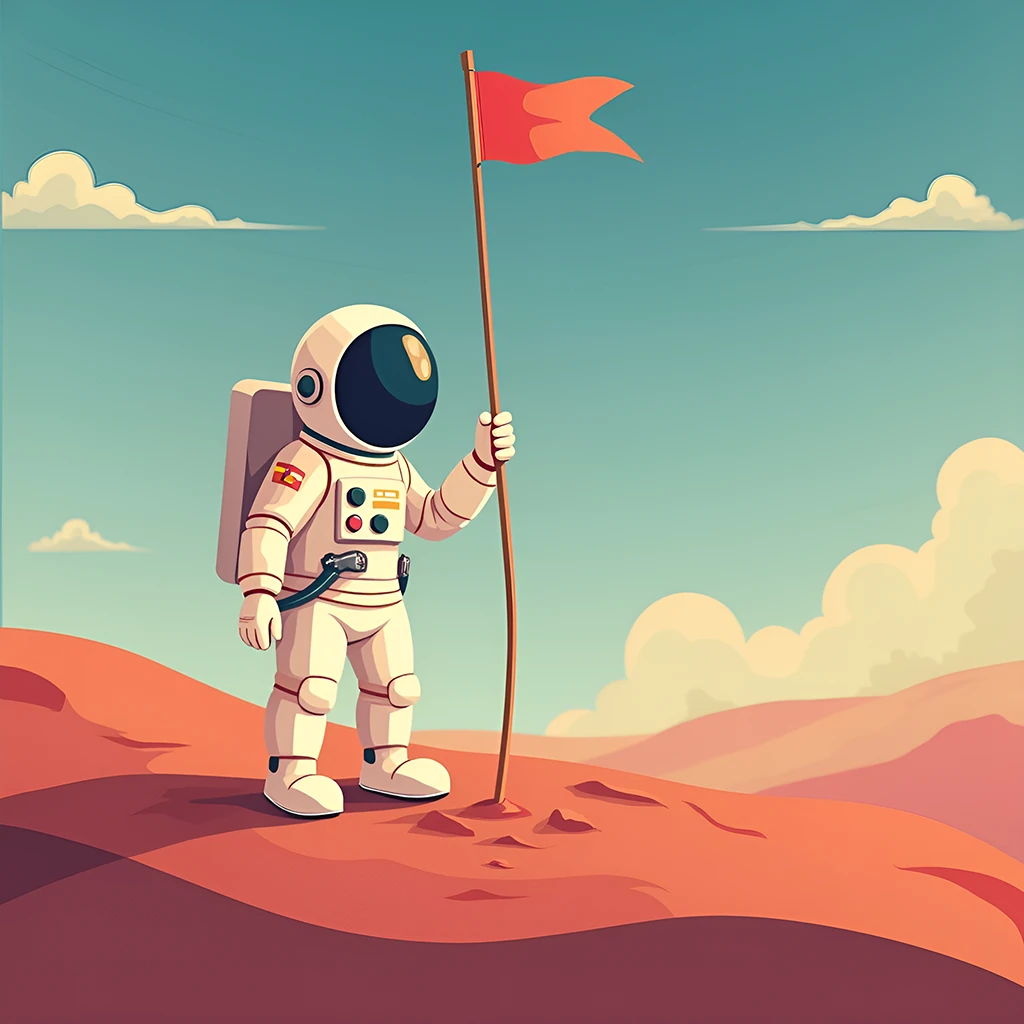
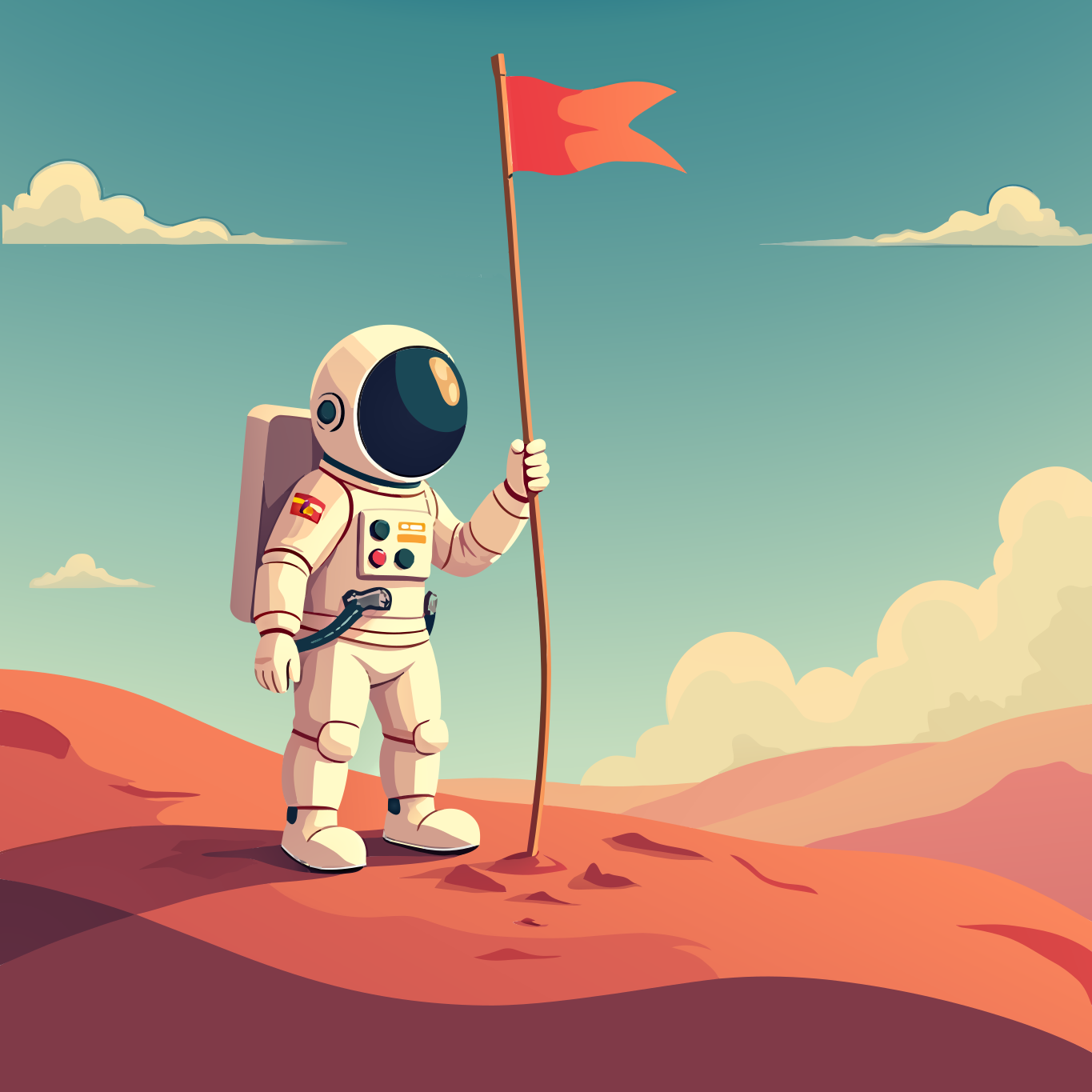
Left is the raster, right is the vector — hover to watch it trace
Why Vectorgram for bitmap to svg.
A bitmap is a grid of pixels and stops working the moment it has to scale. Vectorgram fits paths to the regions in it, so the same artwork serves an icon and a poster, and stays editable in between.
PNG, JPEG, WebP and BMP, read from their bytes not their names
Region merging instead of per-pixel tracing
The image type is detected for you — nothing to choose
Low node count — small files, editable paths
Batch conversion from Pro: 30 to 100 files by plan
Clean, editable SVG — the format every design tool imports
Three steps, no handwork.
Upload
Drag, drop or paste a PNG, JPEG, WebP or BMP. Up to 2 MP without an account, up to 5 MP at full resolution on a paid plan — bigger files are shrunk to the cap in your browser.
Set the trace
Nothing to pick — the engine reads the image type from the bytes. Lite and above can tune detail, gradients and smoothing.
Download
An editable SVG. Re-downloading what you already paid for is free.
PNG, JPEG, WebP and BMP go through. Anything else is refused at upload by name, rather than queued to fail.
SVG is what the engine produces, and it is what every design tool, browser and cutting app imports.
Your images stay yours.
Uploads are short-lived by default and deletable on your terms.
Files auto-delete after 24 hours by default, or the moment you download if you pick "don't store". Longer windows come with the plans that include them.
Delete any file from your dashboard at once. Deletion is permanent and propagates within minutes.
Your images and their vector output are never used to train, fine-tune or evaluate any model.
Frequently asked questions
Is it really free?
To try, yes. Without an account you get a free preview on the home page, no signup. A new account then gets five free conversions at up to 2 megapixels, no card — a trial, given once rather than every month. Paid plans start at $9 a month and convert in the browser without a monthly ceiling; the API is sold separately by volume and starts on Pro.
What is a bitmap image?
A bitmap — also called a raster — is made of pixels: a fixed grid of colored squares. PNG and JPEG are the common ones. They go soft the moment you scale them up, which is what vectors solve.
Which bitmap formats can I upload?
PNG, JPEG, WebP and BMP. The format is detected from the file's bytes rather than its extension, and anything else is refused at upload by name rather than queued and failed. GIF, TIFF and AVIF are the common ones we do not take — save one of the others first.
Why convert bitmap to SVG?
An SVG scales without quality loss, is usually far smaller for flat graphics, and stays editable — you can recolor or reshape it later. None of that is possible once artwork has been flattened to pixels.
Can I batch convert bitmaps?
Batch conversion starts on Pro, which takes 30 files at once; Studio takes 50 and Agency 100. Trial and Lite convert one file at a time. Each file is its own job with its own result, so finished ones are downloadable straight away rather than after the whole batch.
What comes back?
An SVG, and only an SVG. EPS, PDF, DXF and AI are refused rather than queued to fail, because the engine writes SVG and nothing in the pipeline converts it into anything else.
Start with a free conversion.
5 free conversions on a new account — in the app or through the API. No card.