Free JPG to SVG converter
Turn a JPG into scalable vector paths — compression noise merged away, colors kept, ready to edit or cut.
No signup for the preview · five free conversions on a new account
- In
- JPG
- Out
- SVG
- Kept
- 24 h by default
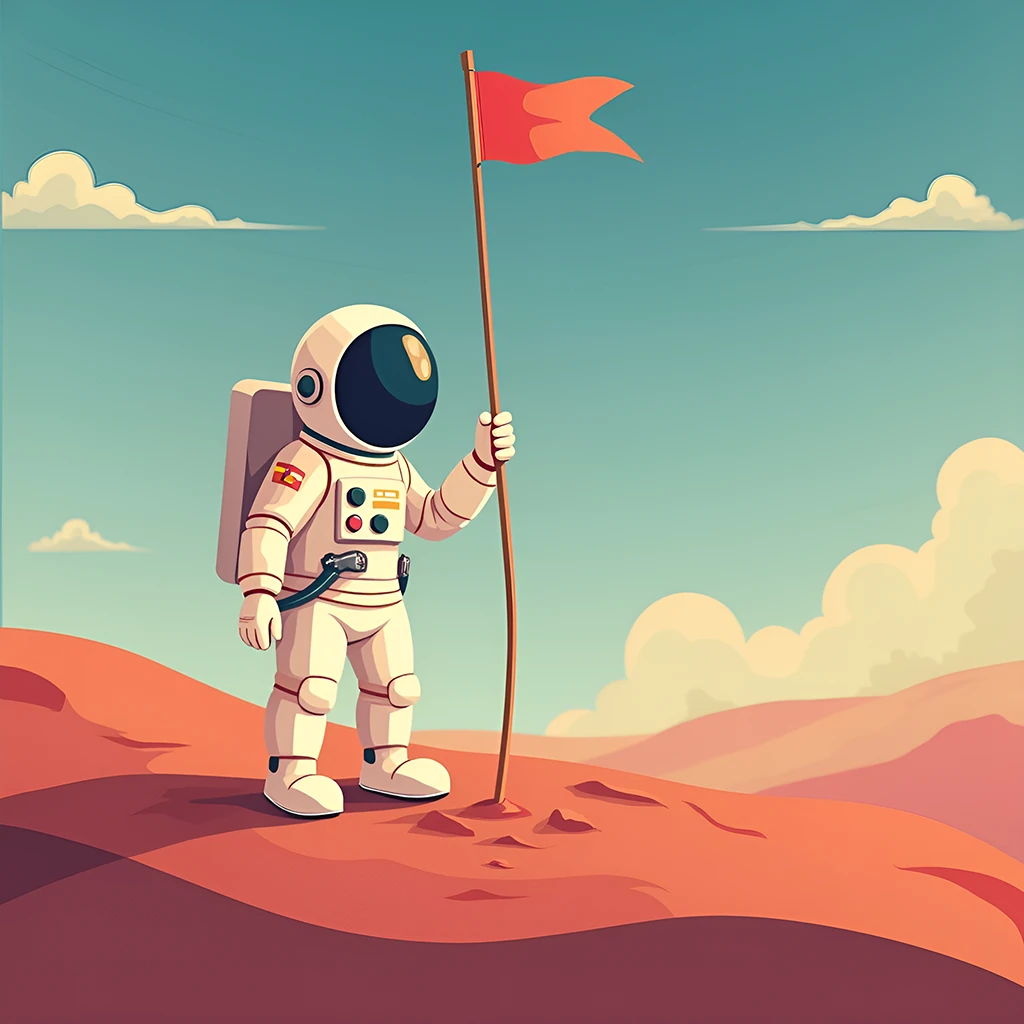
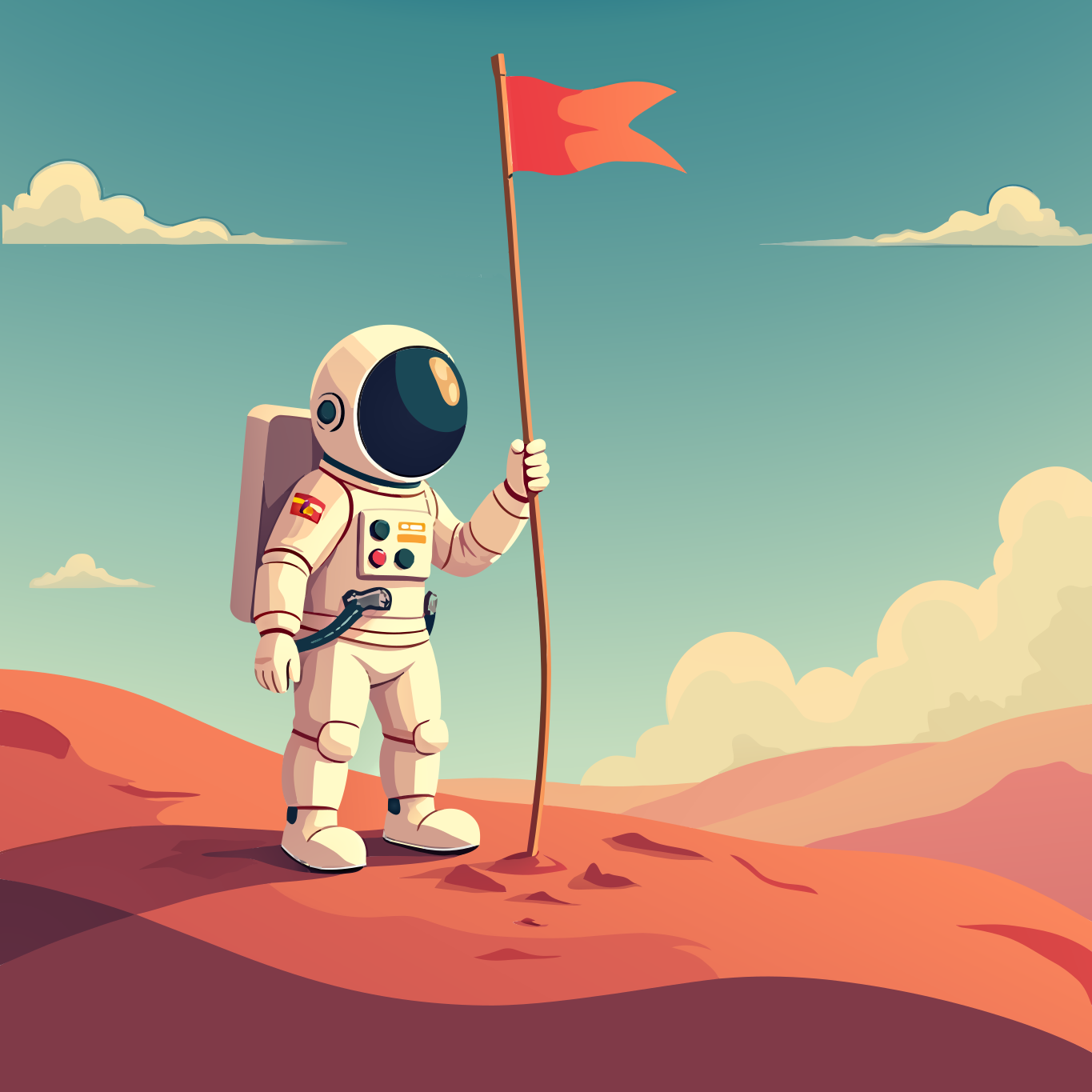
Left is the raster, right is the vector — hover to watch it trace
Why Vectorgram for jpg to svg.
A JPG is what cameras, screenshots and exports default to, and it carries compression artifacts with it. Vectorgram merges that blocky noise instead of tracing it, so what comes back is editable geometry — not a vector record of the compression.
JPEG block artifacts merged away, not traced
Full-color output: the palette is read from the image
Solid backgrounds come back as a shape you can delete
Region merging instead of per-pixel tracing
Batch conversion from Pro: 30 to 100 files by plan
Clean, editable SVG — the format every design tool imports
Three steps, no handwork.
Upload
Drag, drop or paste a PNG, JPEG, WebP or BMP. Up to 2 MP without an account, up to 5 MP at full resolution on a paid plan — bigger files are shrunk to the cap in your browser.
Set the trace
Nothing to pick — the engine reads the image type from the bytes. Lite and above can tune detail, gradients and smoothing.
Download
An editable SVG. Re-downloading what you already paid for is free.
PNG, JPEG, WebP and BMP go through. Anything else is refused at upload by name, rather than queued to fail.
SVG is what the engine produces, and it is what every design tool, browser and cutting app imports.
Your images stay yours.
Uploads are short-lived by default and deletable on your terms.
Files auto-delete after 24 hours by default, or the moment you download if you pick "don't store". Longer windows come with the plans that include them.
Delete any file from your dashboard at once. Deletion is permanent and propagates within minutes.
Your images and their vector output are never used to train, fine-tune or evaluate any model.
Frequently asked questions
Is it really free?
To try, yes. Without an account you get a free preview on the home page, no signup. A new account then gets five free conversions at up to 2 megapixels, no card — a trial, given once rather than every month. Paid plans start at $9 a month and convert in the browser without a monthly ceiling; the API is sold separately by volume and starts on Pro.
JPG or JPEG — what is the difference?
None in the file itself: both extensions hold the same JPEG format, and the engine reads the type from the file's bytes rather than its name. Upload either; the result is identical.
My JPG has no transparency — what happens to the background?
JPEG cannot store transparency, so whatever was behind the subject when the photo or export was made is part of the image now. It comes back as its own shape behind the artwork — select it and delete it in any vector editor. If a PNG original still exists and you need a transparent result, convert that instead: PNG carries alpha, and transparent areas stay empty.
Why do JPEG artifacts matter for vectorization?
JPEG compression divides the image into 8×8-pixel blocks and approximates each one, which leaves faint blockiness and color shifts around edges. A per-pixel tracer turns that noise into hundreds of tiny paths. Vectorgram merges low-contrast detail before tracing, so the artifacts fold into the regions they belong to instead of becoming geometry. On Pro and above, lowering the detail level merges more aggressively — useful on heavily compressed files.
Should I find a PNG instead of converting the JPG?
If the original PNG still exists, yes: it has no compression artifacts and, where it matters, a real alpha channel. Converting a JPG that was made from a PNG keeps the compression damage in the result. If the JPG is all there is — a camera file, a download, a client export — vectorize it as is, and raise the detail level if fine texture is going missing.
Will the colors match the original?
Approximately. JPEG compression has already shifted them — most visibly on saturated edges — and grouping neighboring tones into flat regions moves them a little further. For exact brand colors, set them on the resulting paths in your editor afterwards: on clean, low-node geometry that is one edit per color.
Start with a free conversion.
5 free conversions on a new account — in the app or through the API. No card.