Free PNG to SVG converter
Turn a PNG into a scalable SVG — transparency intact, node count kept low, ready for the web or the cutter.
No signup for the preview · five free conversions on a new account
- In
- PNG · JPG · WEBP · BMP
- Out
- SVG
- Kept
- 24 h by default
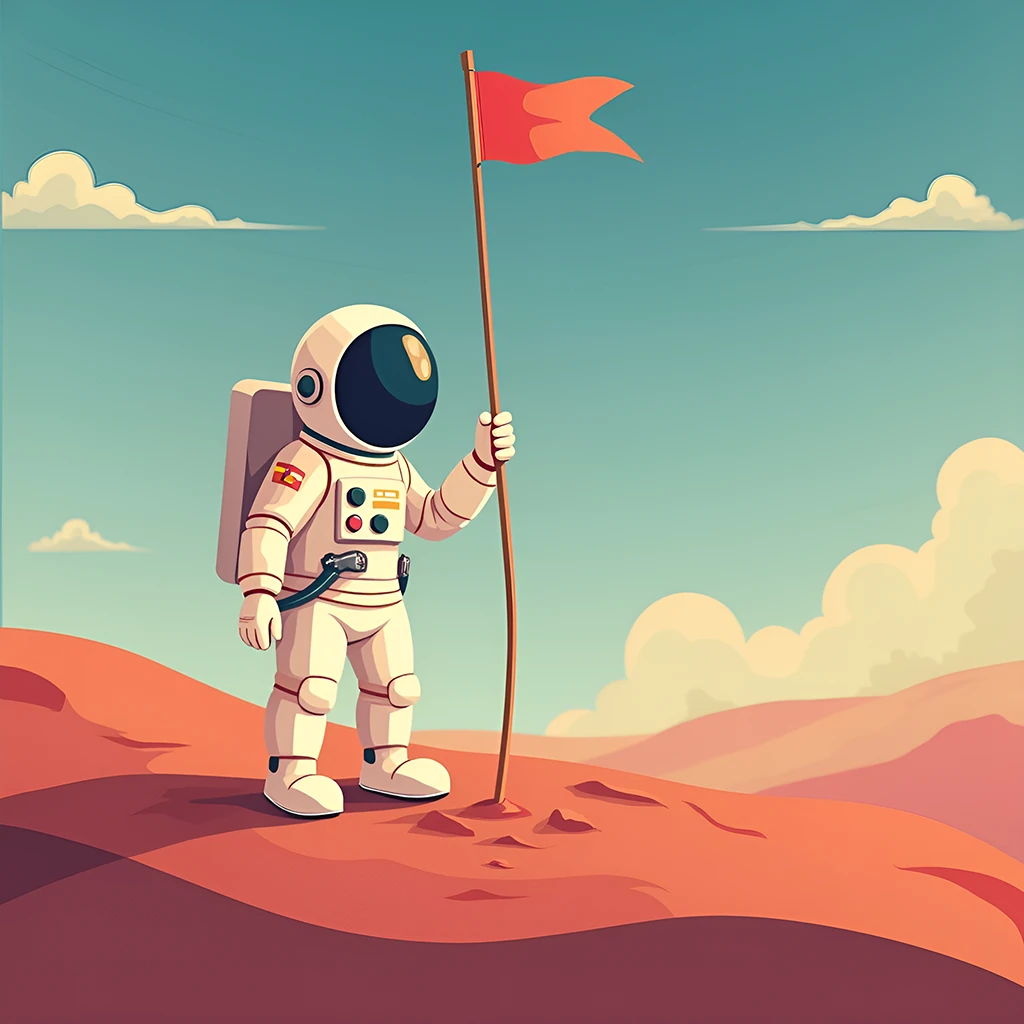
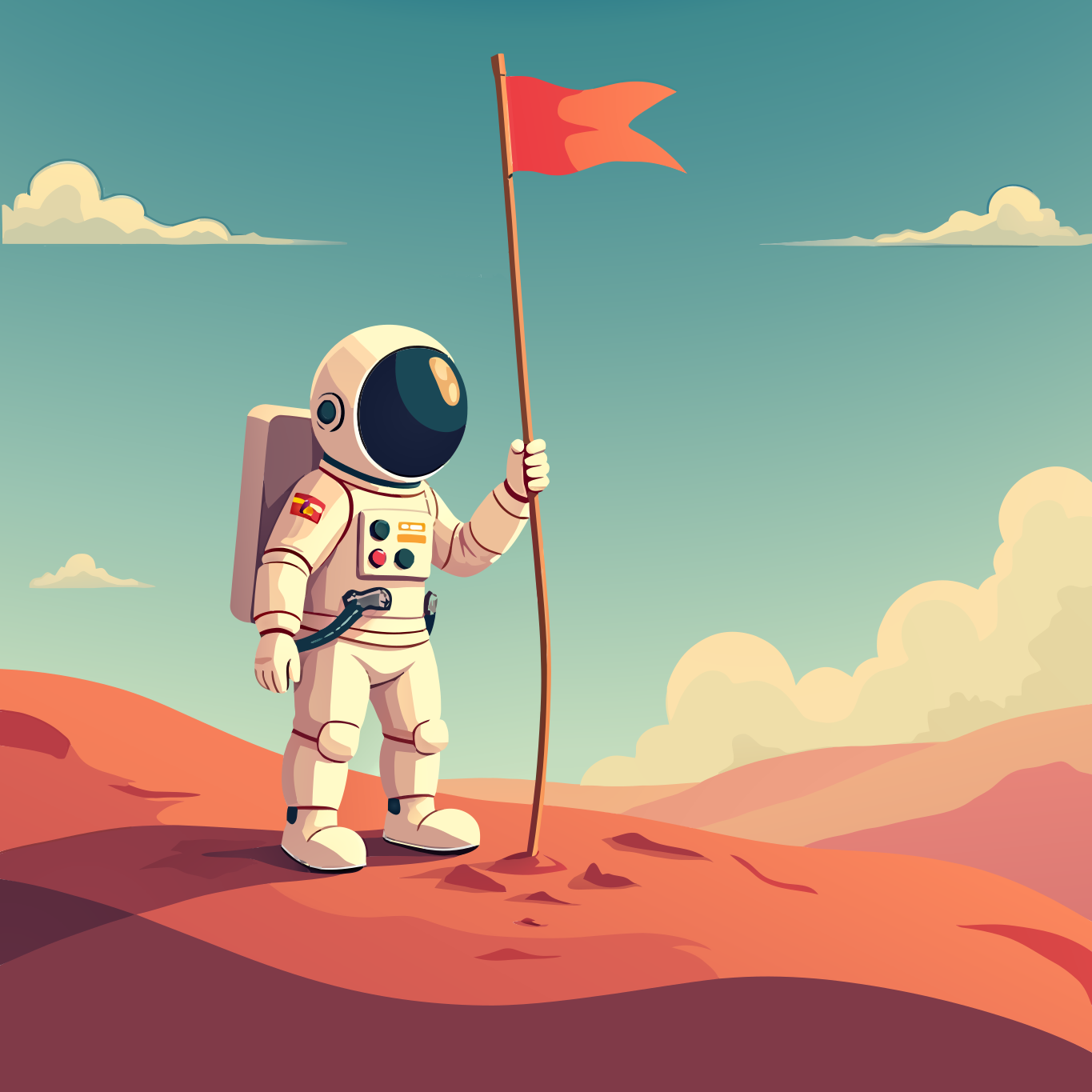
Left is the raster, right is the vector — hover to watch it trace
Why Vectorgram for png to svg.
A PNG stops working the moment it has to scale. Vectorgram redraws it as paths, so the same file serves a favicon and a billboard, and stays editable in between.
Alpha transparency carried through to the SVG
Region merging instead of per-pixel tracing
Low node count — small files, editable paths
Batch conversion from Pro: 30 to 100 files by plan
The image type is detected for you — nothing to choose
Clean, editable SVG — the format every design tool imports
Three steps, no handwork.
Upload
Drag, drop or paste a PNG, JPEG, WebP or BMP. Up to 2 MP without an account, up to 5 MP at full resolution on a paid plan — bigger files are shrunk to the cap in your browser.
Set the trace
Nothing to pick — the engine reads the image type from the bytes. Lite and above can tune detail, gradients and smoothing.
Download
An editable SVG. Re-downloading what you already paid for is free.
PNG, JPEG, WebP and BMP go through. Anything else is refused at upload by name, rather than queued to fail.
SVG is what the engine produces, and it is what every design tool, browser and cutting app imports.
Your images stay yours.
Uploads are short-lived by default and deletable on your terms.
Files auto-delete after 24 hours by default, or the moment you download if you pick "don't store". Longer windows come with the plans that include them.
Delete any file from your dashboard at once. Deletion is permanent and propagates within minutes.
Your images and their vector output are never used to train, fine-tune or evaluate any model.
Frequently asked questions
Is it really free?
To try, yes. Without an account you get a free preview on the home page, no signup. A new account then gets five free conversions at up to 2 megapixels, no card — a trial, given once rather than every month. Paid plans start at $9 a month and convert in the browser without a monthly ceiling; the API is sold separately by volume and starts on Pro.
Why convert PNG to SVG?
An SVG scales without quality loss, is usually far smaller for flat graphics, and stays editable — you can recolor or reshape it later. A PNG can do none of that once it is exported.
Will transparency be preserved?
Yes. Transparent areas of the PNG stay empty in the SVG — nothing is drawn behind the artwork. A PNG that was already flattened onto a solid background comes back with that background as its own shape, which you can delete.
What's the maximum PNG size supported?
Trial converts up to 2 MP at full resolution, Lite up to 3 MP, and Pro and above up to 5 MP. Uploads are capped at 50 MB. Anything over your plan's limit is shrunk to the cap right in your browser before uploading — you see it happening on the staged file, and no conversion is spent on a resize you didn't ask for.
Can I batch convert multiple PNGs?
Batch conversion starts on Pro, which takes 30 files at once; Studio takes 50 and Agency 100. Trial and Lite convert one file at a time. Each file is its own job with its own result, so you download them individually as they finish rather than waiting on the whole batch.
Does a photo work as well as a logo?
It converts, but the result is a stylized interpretation rather than a copy — a photo has no flat regions to trace, so expect poster-like output. The engine recognizes a photo on its own; there is no mode to choose. Flat art gives the cleanest results.
Guides for this job
Start with a free conversion.
5 free conversions on a new account — in the app or through the API. No card.