Free sketch to vector converter
Turn a scanned drawing into clean, editable curves — paper texture dropped, lines smoothed, geometry you can reshape.
No signup for the preview · five free conversions on a new account
- In
- PNG · JPG · WEBP · BMP
- Out
- SVG
- Kept
- 24 h by default
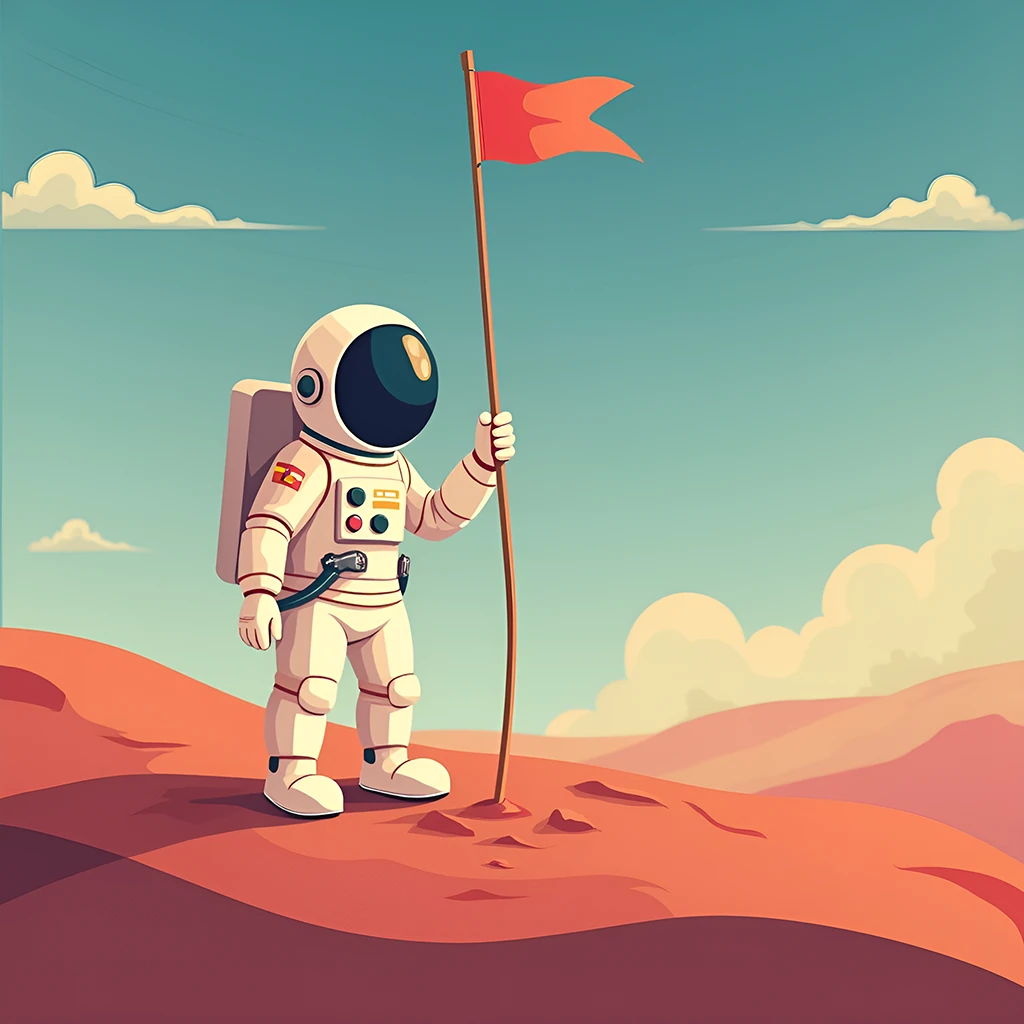
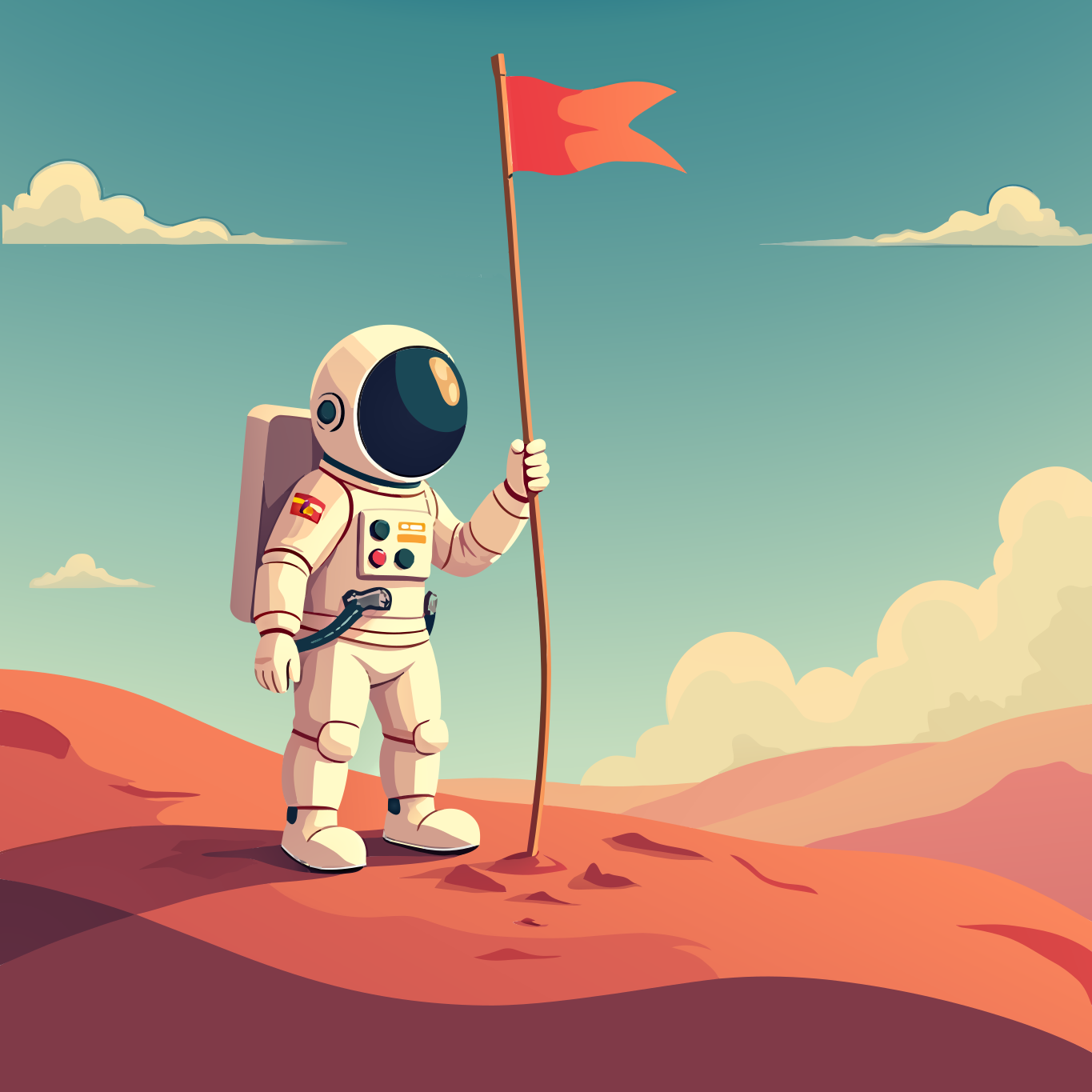
Left is the raster, right is the vector — hover to watch it trace
Why Vectorgram for sketch & line art.
Scan mode is built for artwork that came off paper: it merges away the speckle a scanner adds and fits curves to what you actually drew, so the result reads as line art rather than as traced noise.
Scan mode built for scanned and photographed art
Paper speckle merged away instead of traced
Curve fitting that keeps hand-drawn character
Smoothing you control, from off to maximum (Pro+)
Clean, editable SVG — the format every design tool imports
Three steps, no handwork.
Upload
Drag, drop or paste a PNG, JPEG, WebP or BMP. Up to 2 MP without an account, up to 5 MP at full resolution on a paid plan — bigger files are shrunk to the cap in your browser.
Set the trace
Nothing to pick — the engine reads the image type from the bytes. Lite and above can tune detail, gradients and smoothing.
Download
An editable SVG. Re-downloading what you already paid for is free.
PNG, JPEG, WebP and BMP go through. Anything else is refused at upload by name, rather than queued to fail.
SVG is what the engine produces, and it is what every design tool, browser and cutting app imports.
Your images stay yours.
Uploads are short-lived by default and deletable on your terms.
Files auto-delete after 24 hours by default, or the moment you download if you pick "don't store". Longer windows come with the plans that include them.
Delete any file from your dashboard at once. Deletion is permanent and propagates within minutes.
Your images and their vector output are never used to train, fine-tune or evaluate any model.
Frequently asked questions
Is it really free?
To try, yes. Without an account you get a free preview on the home page, no signup. A new account then gets five free conversions at up to 2 megapixels, no card — a trial, given once rather than every month. Paid plans start at $9 a month and convert in the browser without a monthly ceiling; the API is sold separately by volume and starts on Pro.
Can it handle rough pencil sketches?
Yes, and Scan mode is the one to use for them. It treats low-contrast speckle as background rather than as strokes. Pencil on textured paper is the hardest case — scan at a higher resolution and with more contrast and you will get noticeably cleaner curves.
What about scanned ink drawings?
Ink is the easy case: high contrast against paper, so the regions are unambiguous. Scan mode drops the paper tone and fits curves to the ink, which keeps the character of the line without the scanner's grain.
Will it preserve line weight?
Yes, in the sense that matters: a thick line becomes a wide filled shape and a thin line a narrow one, so the drawing keeps its weight variation. It is not converted to a stroked path with a width value — the output is filled outlines.
Can I vectorize a colored sketch?
Yes, and there is nothing to set for it: the engine reads the image from its own bytes and handles a scan off paper differently from art drawn digitally with flat fills. Colors make no difference to that.
How do I stop it losing fine detail?
Raise the detail level — it controls how aggressively regions are merged, and high detail is the default for exactly this reason. On Trial and Lite it is chosen automatically; Pro and above can set it per image.
Start with a free conversion.
5 free conversions on a new account — in the app or through the API. No card.